Key-switch articulations
Create key-switch articulations by note, bar, duration, velocity, or cycle sequence.
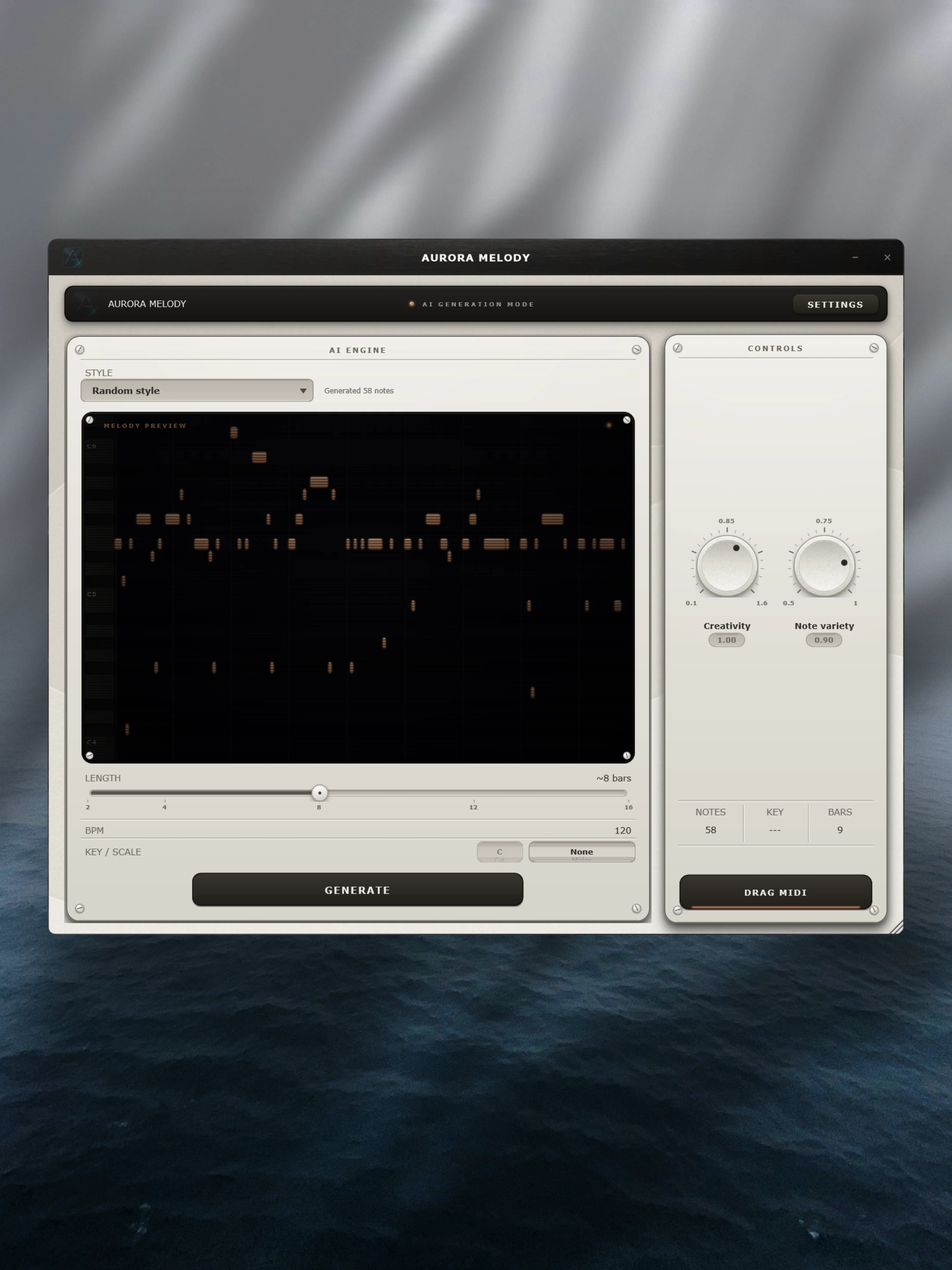
Aurora Melody writes melody ideas with on-device AI. Edit every note in a full piano roll, then export MIDI straight to your DAW.
Set style, scale, bars, and variation, then audition ideas instantly.
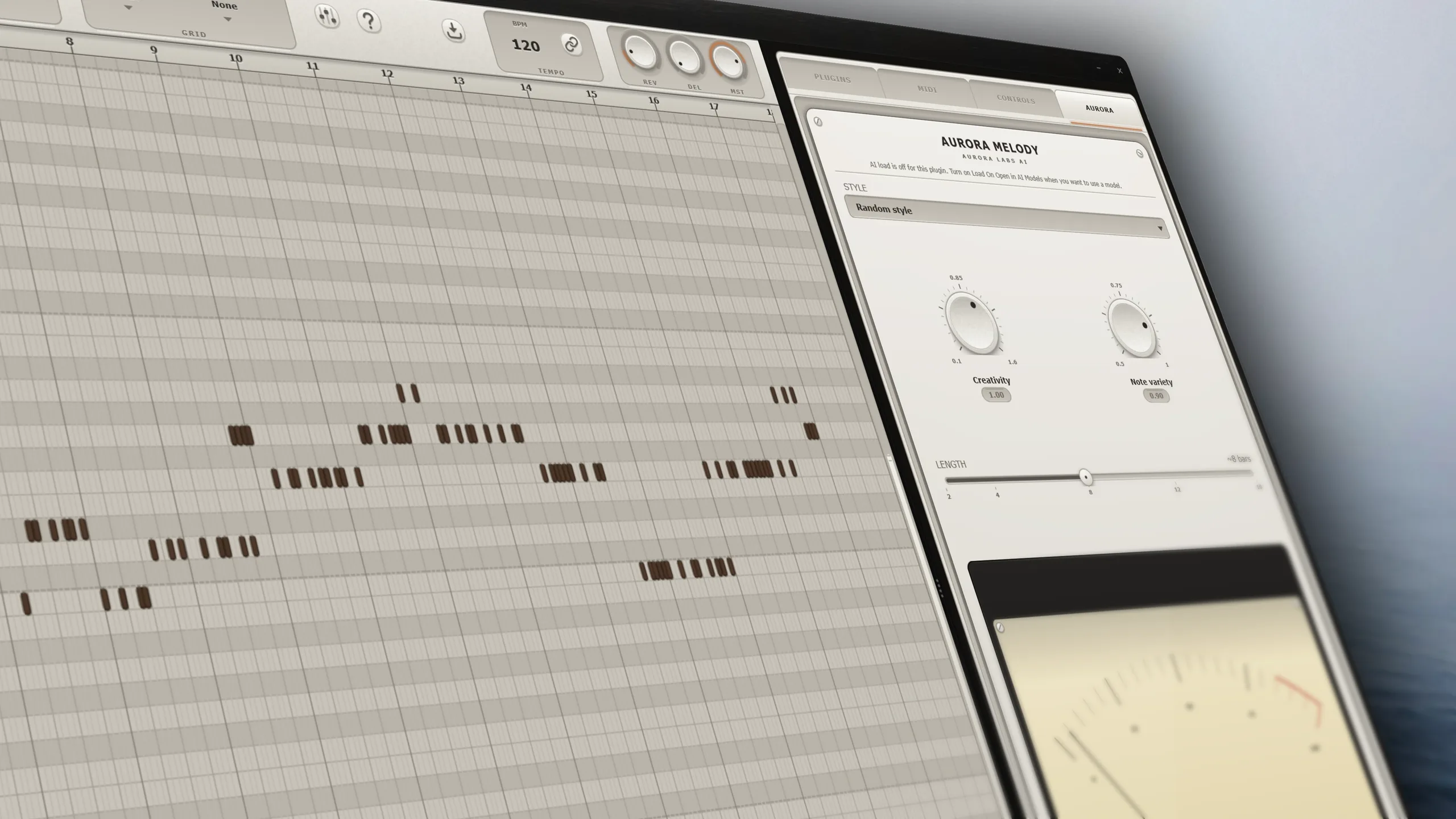
Aurora Melody is a VST3 plugin and standalone app. The result is plain MIDI you can keep using anywhere.
On-device AI writes melodies from a style, key, and length.
A full piano roll with scale-lock, snapping, slicing, and articulations.
Built-in SoundFont instruments plus delay and reverb, or host your own VST3s.
Go from a blank project to a finished melodic idea without leaving the plugin.
Pick a style preset, set length in bars, lock to a key, and tune the variation controls before keeping the notes.
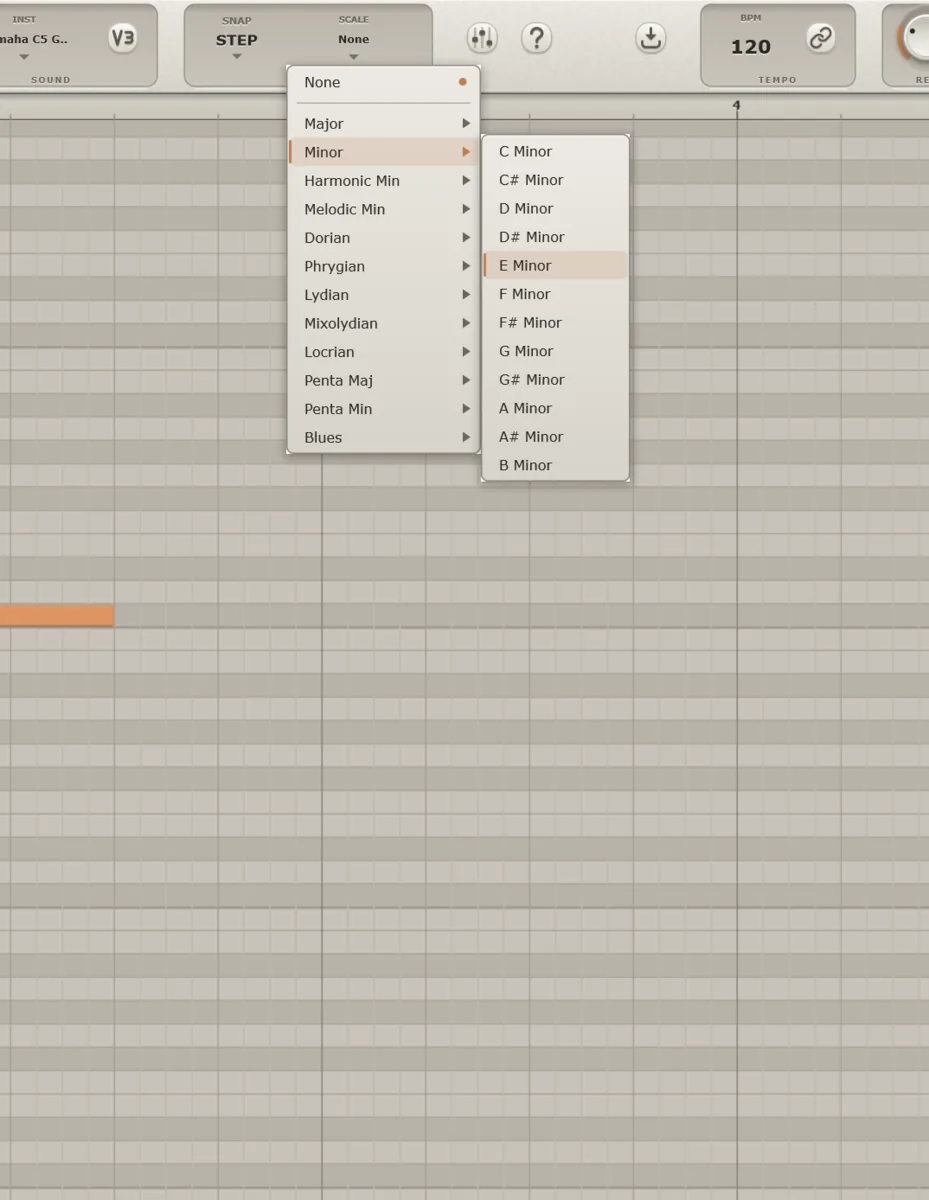
Draw, move, resize, and slice notes. Snap to bar, beat, or 1/16. Scale-lock keeps every edit in key.
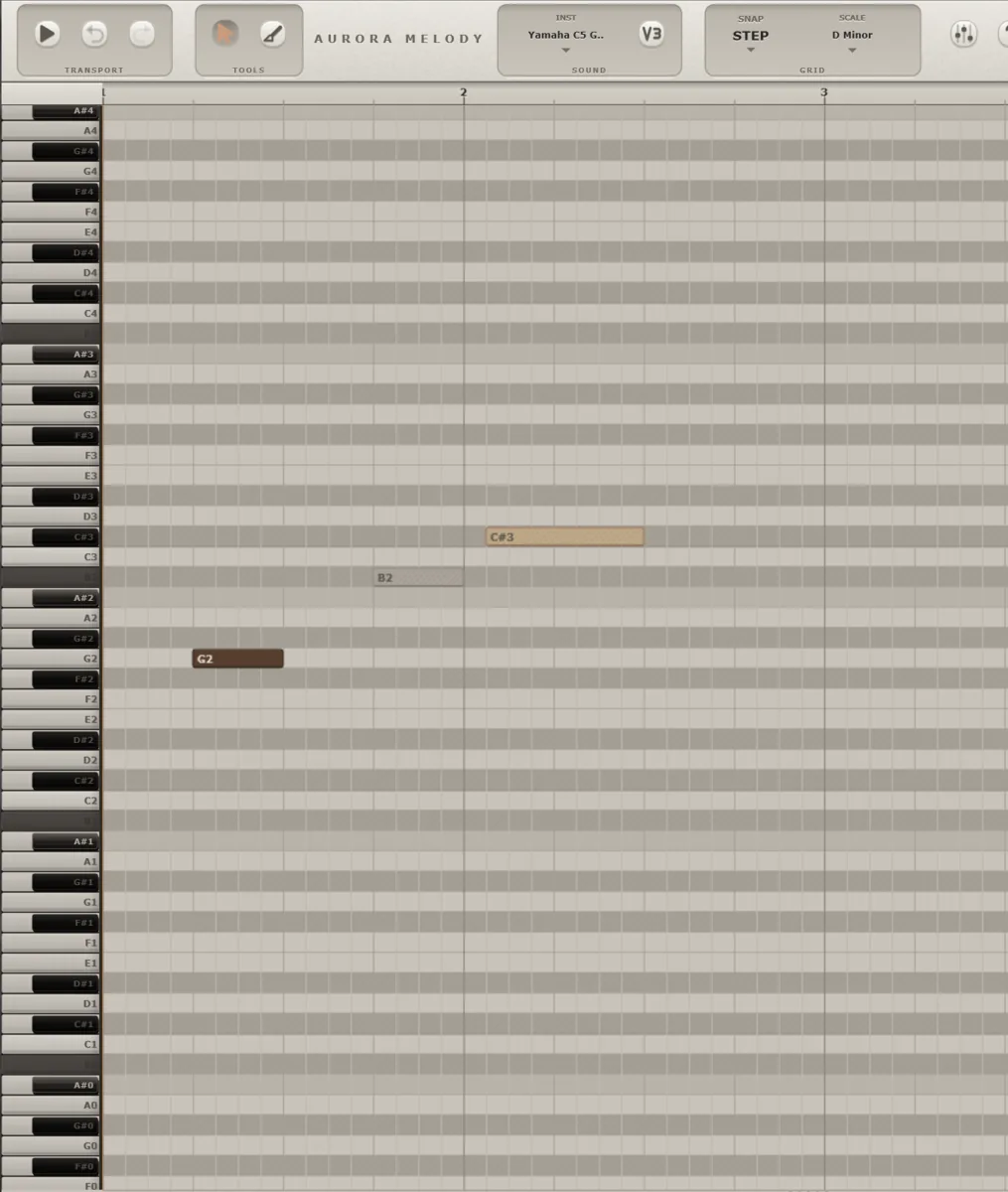
Create key-switch articulations by note, bar, duration, velocity, or cycle sequence.
SoundFont instruments, delay, reverb, and multi-slot effect chains live inside the app.
Sync to host tempo, export MIDI files, or drag the result straight onto a track.
Choose Pop, Jazz, Cinematic, or Lo-Fi. Set bars. Lock to one of 12 scales.
Edit notes, add articulations, and preview as you go.
Drag MIDI into your DAW, or play it through built-in instruments.
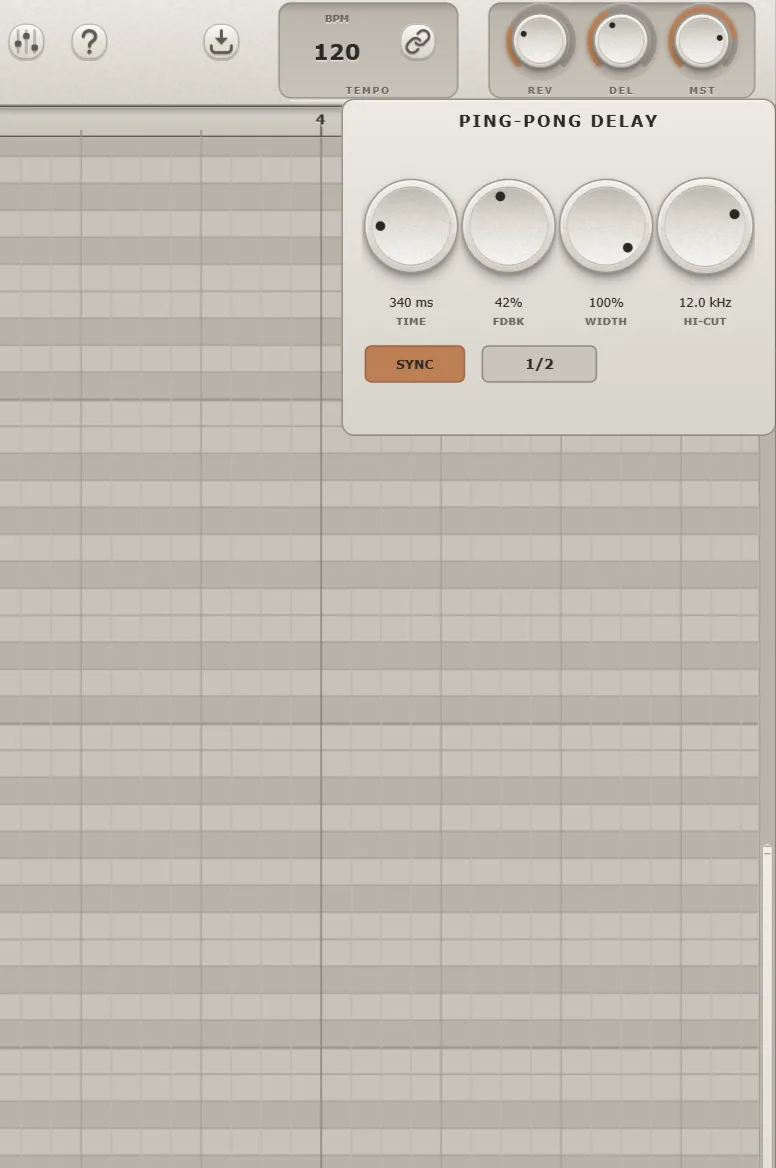
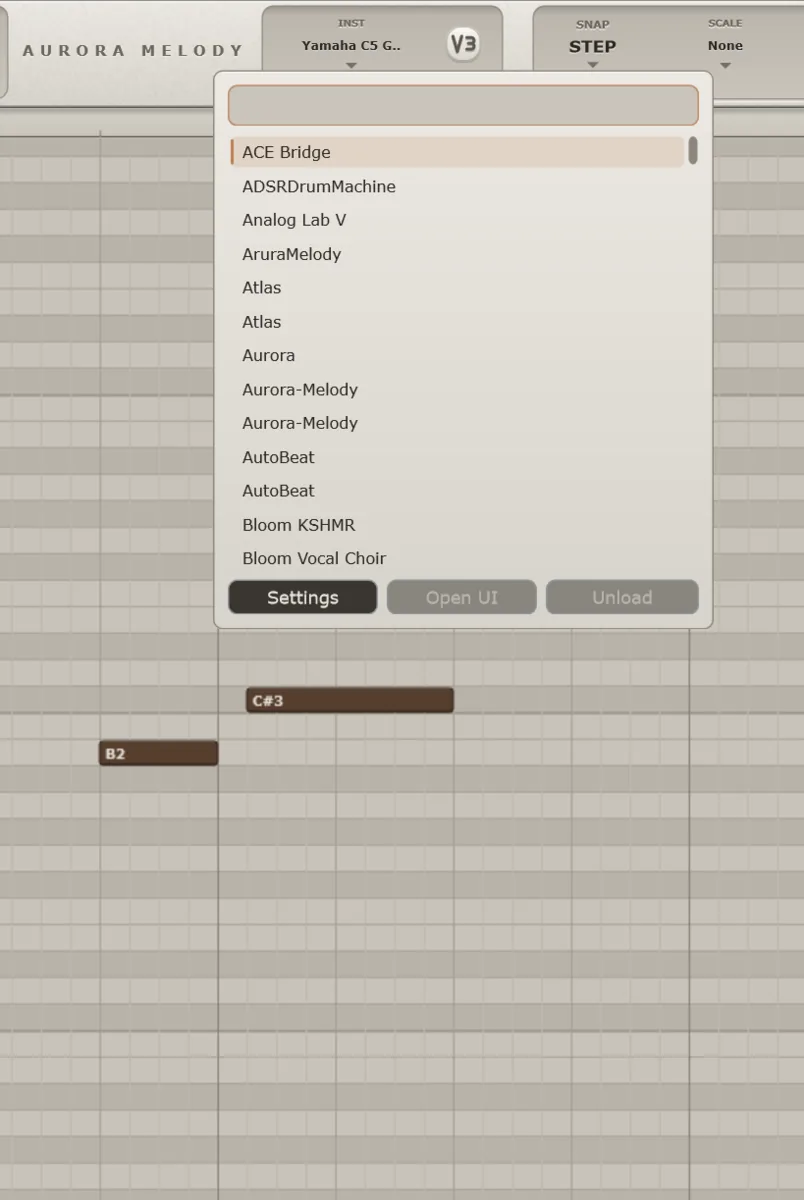
SoundFont instruments, delay, reverb, and multi-slot effect chains live inside the plugin.
Runs on CPU out of the box. Use NVIDIA GPU acceleration for quicker generation.
Choose the plan that fits how you work. Change or cancel anytime.
Yes. Aurora Melody loads as a VST3 plugin in hosts like FL Studio, Ableton Live, Cubase, Studio One, and Reaper, and it also runs as a standalone app. External VST3 hosting is available in the standalone app only.
No. Melody generation runs on your own machine.
Standard MIDI. Drag it onto a track in your DAW, or export it as a file.
Yes. Scale-lock keeps notes in one of 12 scales as you generate and edit.
Mac availability has not been confirmed yet. Aurora Melody currently ships for Windows.
Start with a 7-day free trial — no card required. The trial covers generating and editing; MIDI export and AI Generation mode unlock with a plan. Then pick a monthly or yearly subscription, and change or cancel anytime. Your license key is ready in your account the moment checkout completes.
Checkout, taxes, and invoices are handled by our payment provider at checkout. You can cancel anytime from your account and keep access until your period ends. For refund questions, email support@auroramelody.shop.
Aurora Melody for Windows — VST3 plugin and standalone. Create a free account to download the installer and manage your license.